
Why did UTHealth Houston and UT Physicians switch to paperless billing?
To reduce health care costs, enhance payment convenience for patients,, and be environmentally friendly, UTHealth Houston and UT Physicians transitioned to paperless billing on October 21, 2024. Patients (or their guarantors) now receive electronic notifications at the email address and/or mobile phone number on record.
With paperless billing, how will I know I have a new bill that needs to be paid?
You’ll be notified by email, text message, and through your MyUTHealth Houston patient portal account (if you have set one up) based on your communication preferences.
How will I see my billing statements?
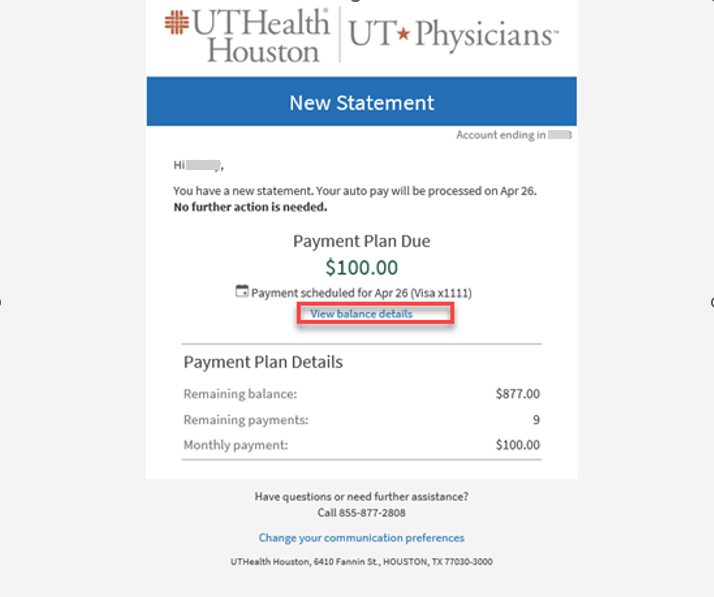
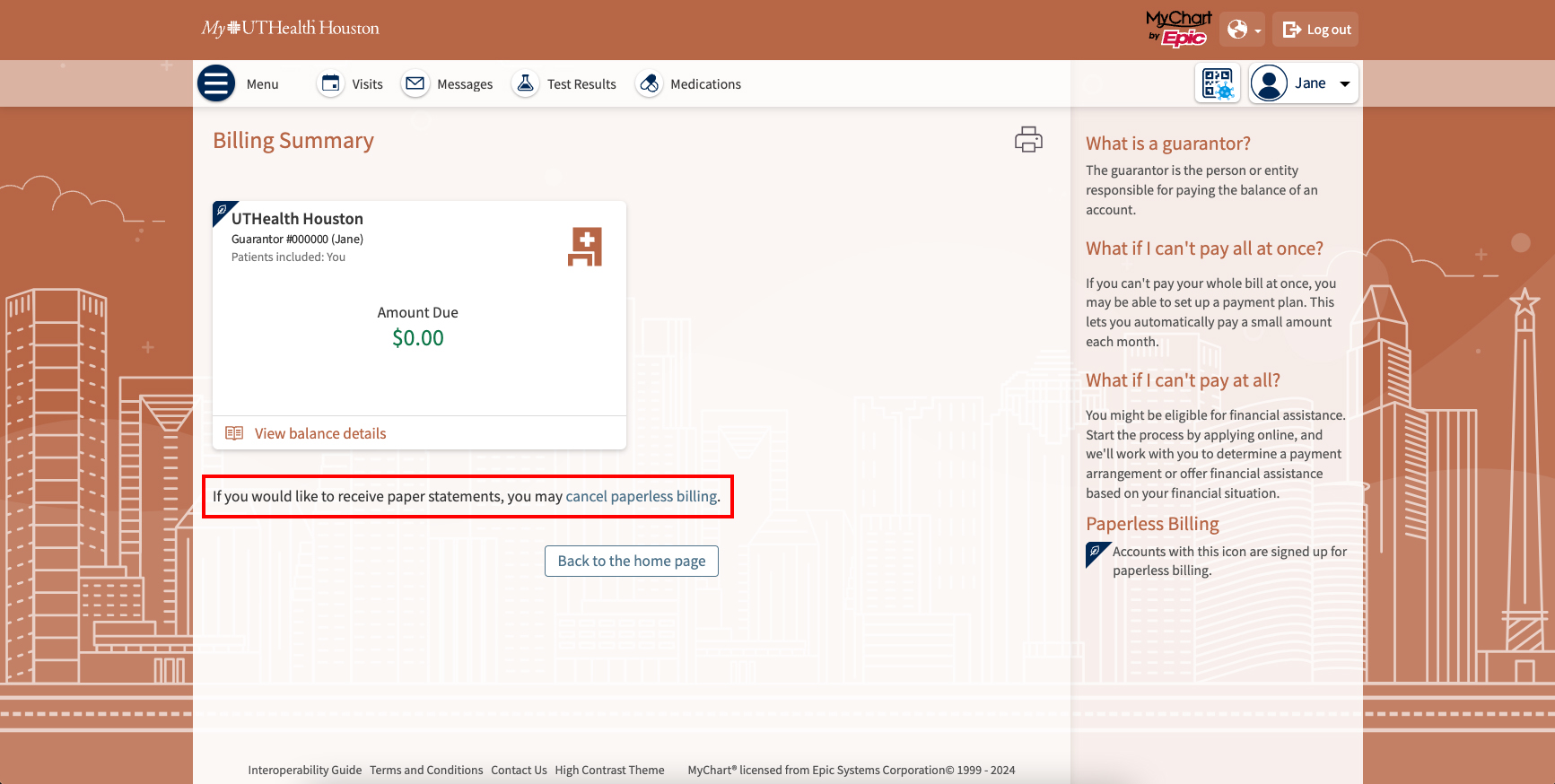
You can view your billing statements by logging in to MyUTHealth Houston or through the mobile app. You can view your invoices by selecting Billing Summary in the main menu. Those without a MyUTHealth Houston portal account can view their billing statements by selecting View balance details in the email or text message they receive.
What if I want paper bills?
If you have a MyUTHealth Houston patient portal account, you can opt out of paperless billing by selecting Billing Summary in the main menu. Then select the option to update your preferences. For those who don’t have a MyUTHealth Houston patient portal account, you can update your preferences by accessing the link provided in your email or text messages, by speaking with a member of your health care team at your next visit, or by calling 855-877-2808.
What if I opt out of paperless billing and change my mind?
You can opt back in at any time through your MyUTHealth Houston account under Billing Summary or by calling 855-877-2808.
What if I miss the email or text message that a payment is due?
If your payment is 60 days past due, you’ll receive a paper statement in the mail.
I am not receiving paperless billing statements. Why not?
You may need to update your mobile phone number and/or email address on file. You can speak with a member of the health care team at your next visit or log in to your MyUTHealth Houston patient portal account.
- In your MyUTHealth Houston patient portal account, select Menu and navigate to Account Settings > Personal Information.
- In the Contact Information section, select Edit to modify your contact information.
- When you’re done, click Save changes.
What forms of payment do you accept?
We accept all major credit cards, debit cards, bank account debit, Apple Pay, and Google Pay.